Free polaroid photo maker
Turn any photo into a polaroid online — add a caption, pick a filter, and download a 300 DPI image. Free, no login.
Upload a photo to get started
Want real prints delivered to your door?
Premium 300 GSM paper · From ₹7/piece · Flat ₹100 shipping
Order physical prints nowWant real prints delivered to your door?
Premium 300 GSM paper · From ₹7/piece · Flat ₹100 shipping
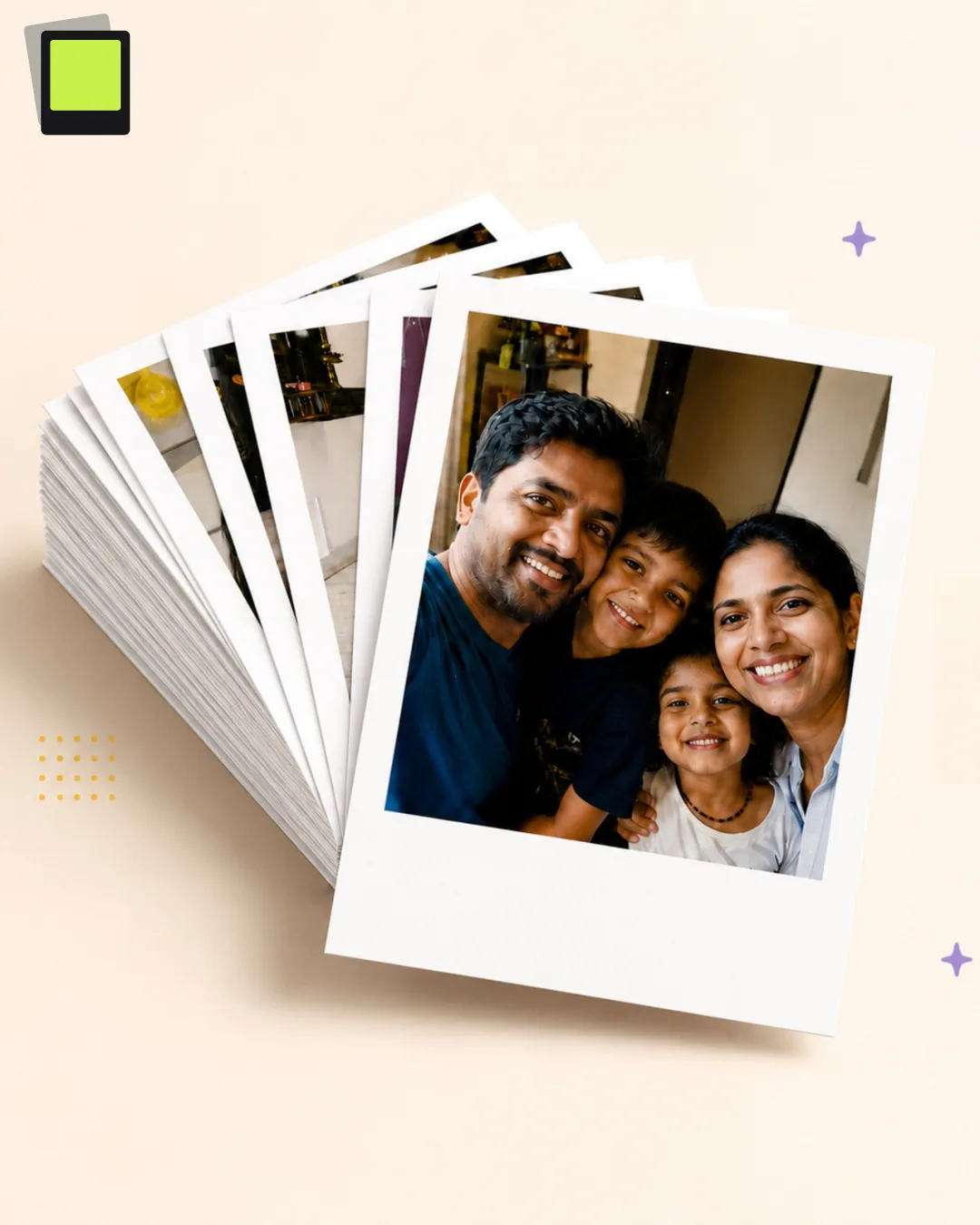
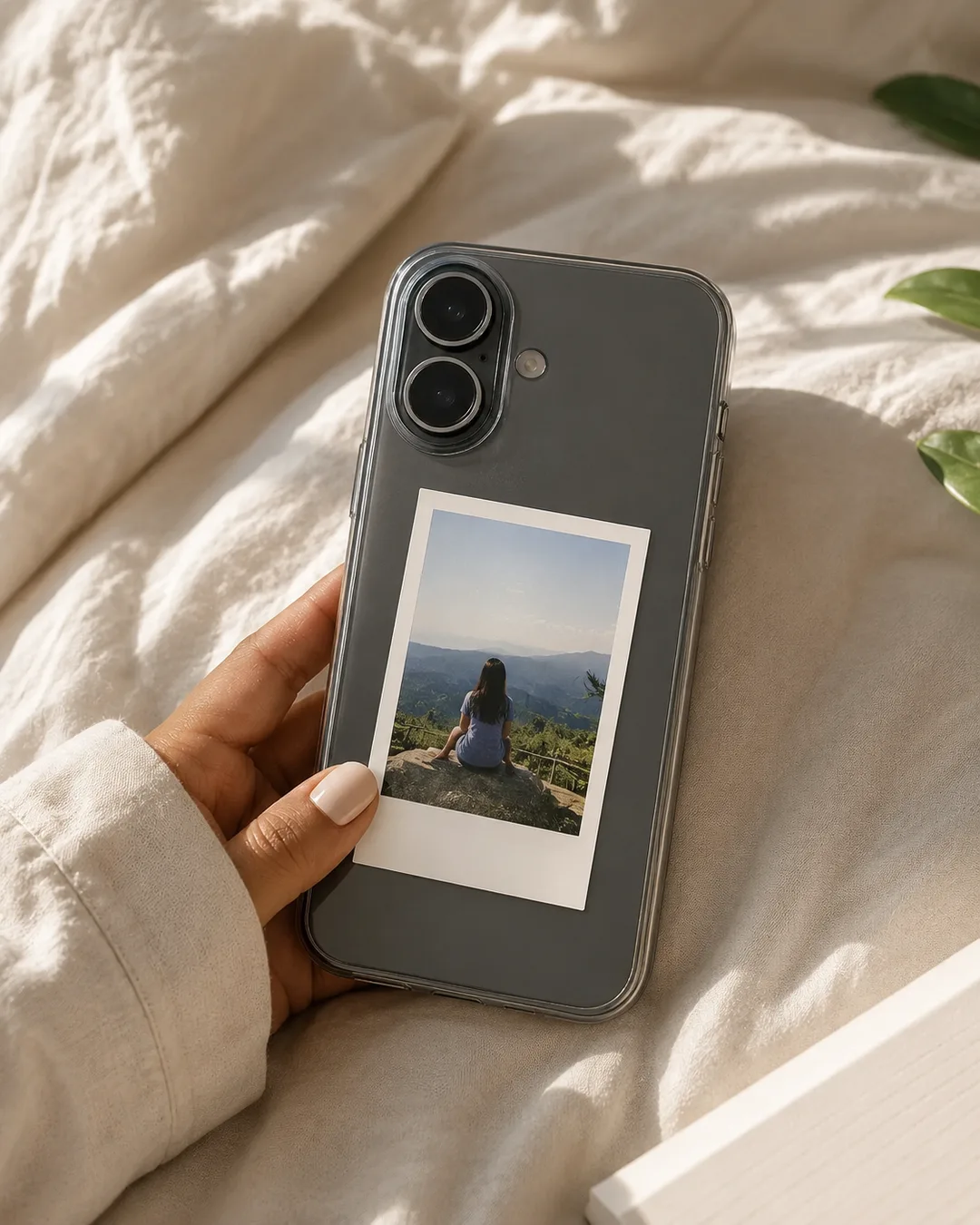
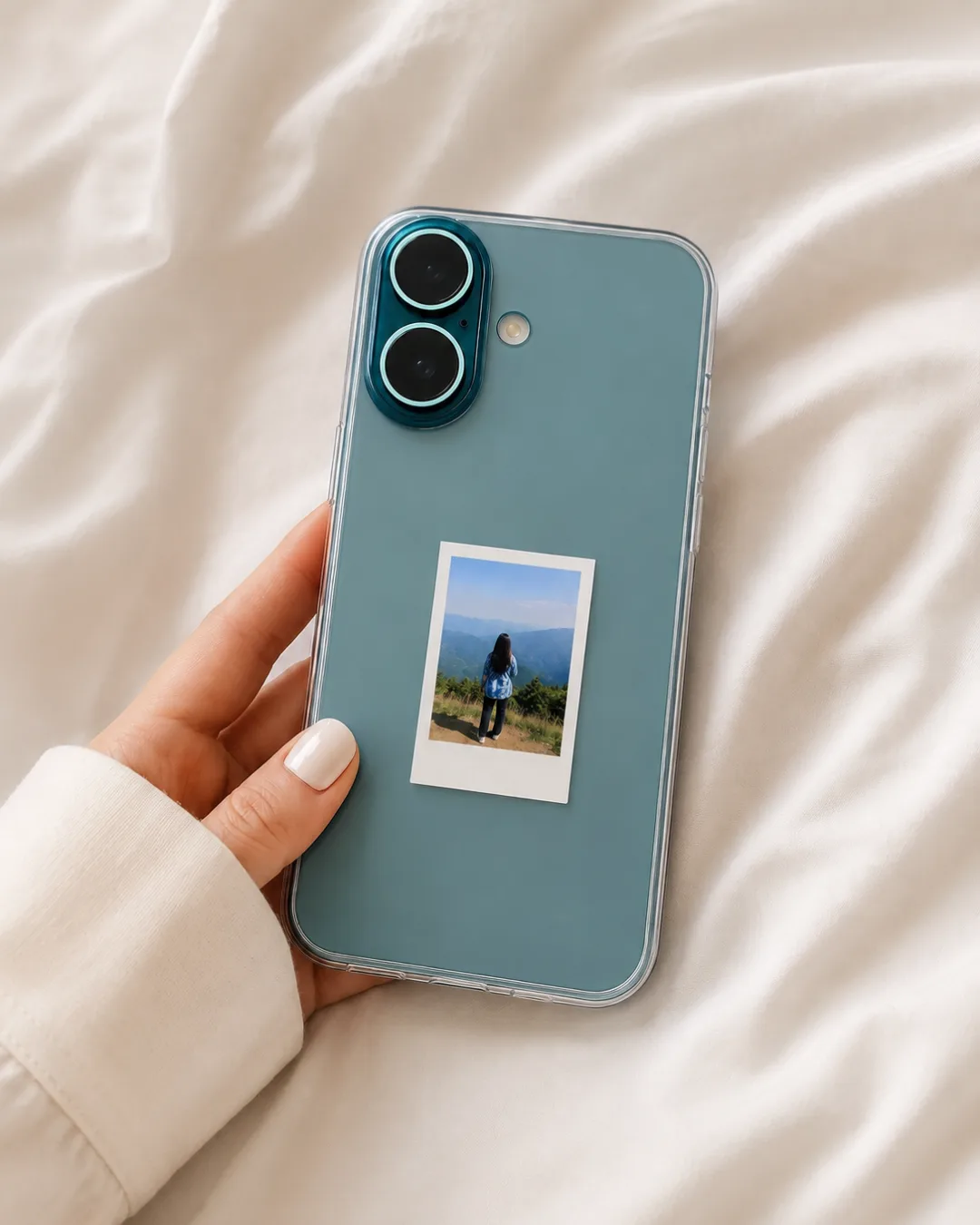
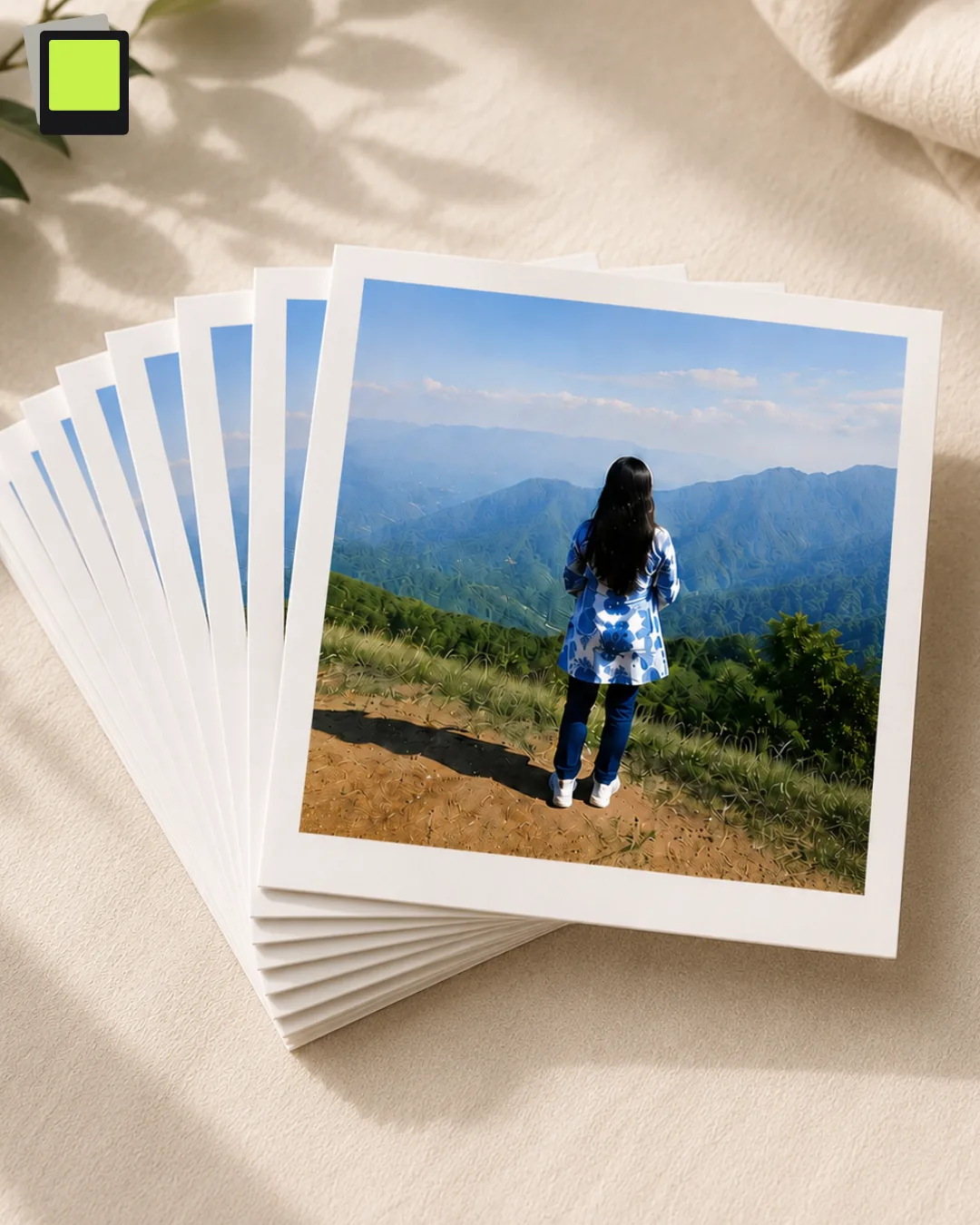
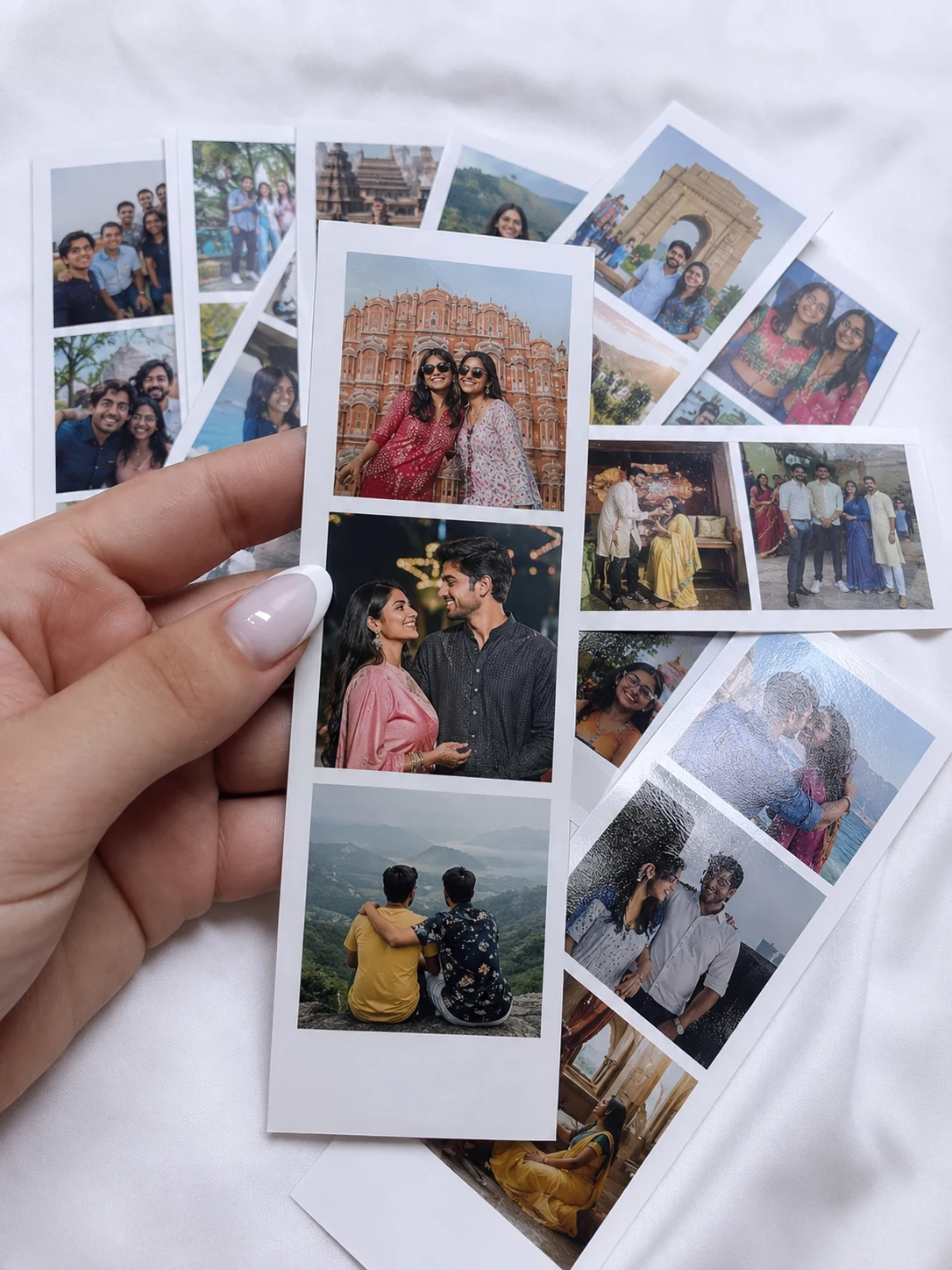
Order physical prints nowOrder real prints from ₹7
300 GSM matte paper · Same-day dispatch · Flat ₹100 shipping pan-India.
What customers say
Real orders, real photos.
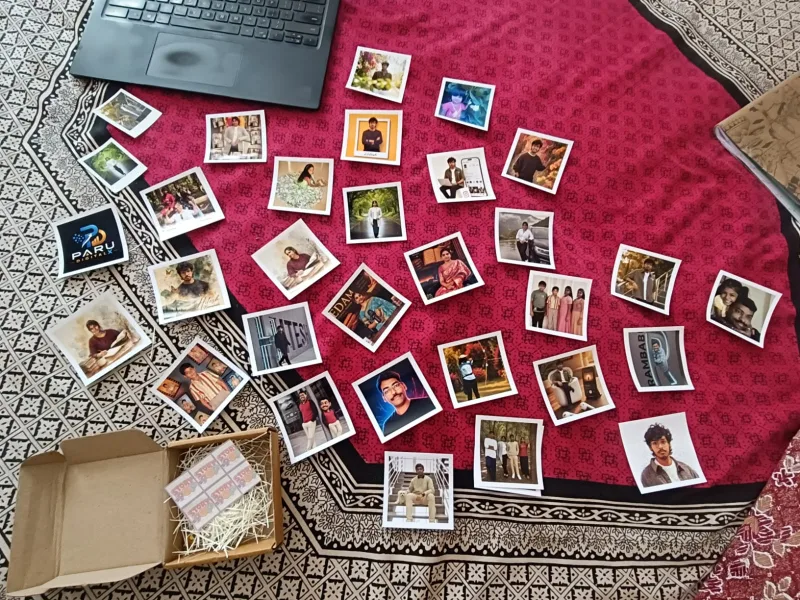
"Ordered 32 polaroids for my cousin's wedding. The box arrived perfectly packed — prints were wrapped in paper filling and not a single one was bent or scratched. We spread them all out and the colours are just stunning. Already planning a reorder for my own room!"
Shreya Agarwal · Agra
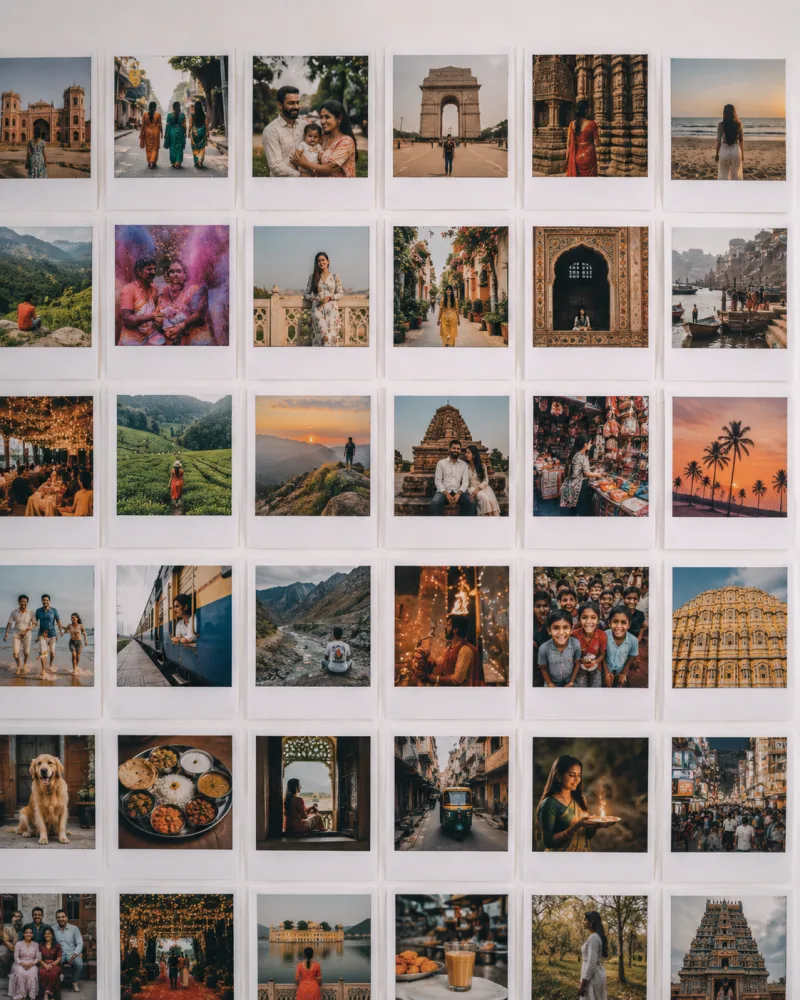
"Made a travel wall with 35 square prints — all my India trips in one place. The colours are so vivid, the golden hour shots and temple photos printed beautifully. Every guest who comes home asks about it. Absolutely worth it."
Aryan Kulkarni · Bengaluru
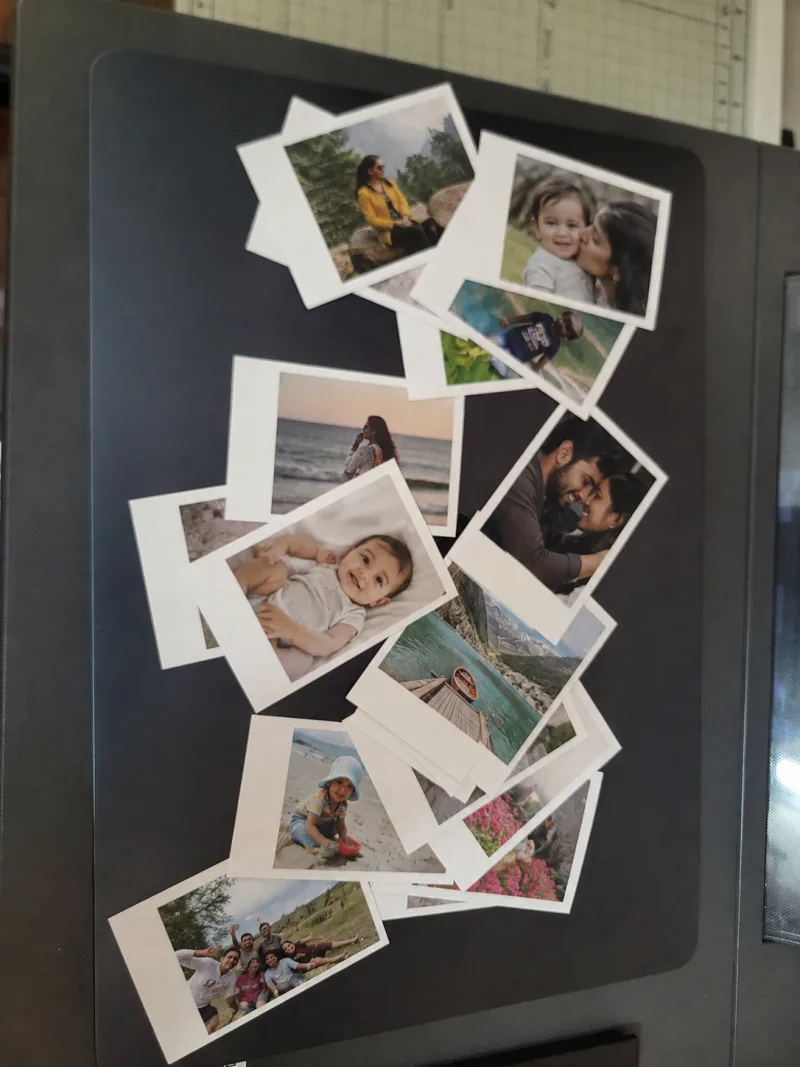
"Ordered a set of family memories — beach trips, kids, couple shots — and every single print came out sharp and clear. Even the tricky lighting photos printed perfectly. The white border gives them that classic feel. Already planning my next order!"
Preethi Menon · Coimbatore
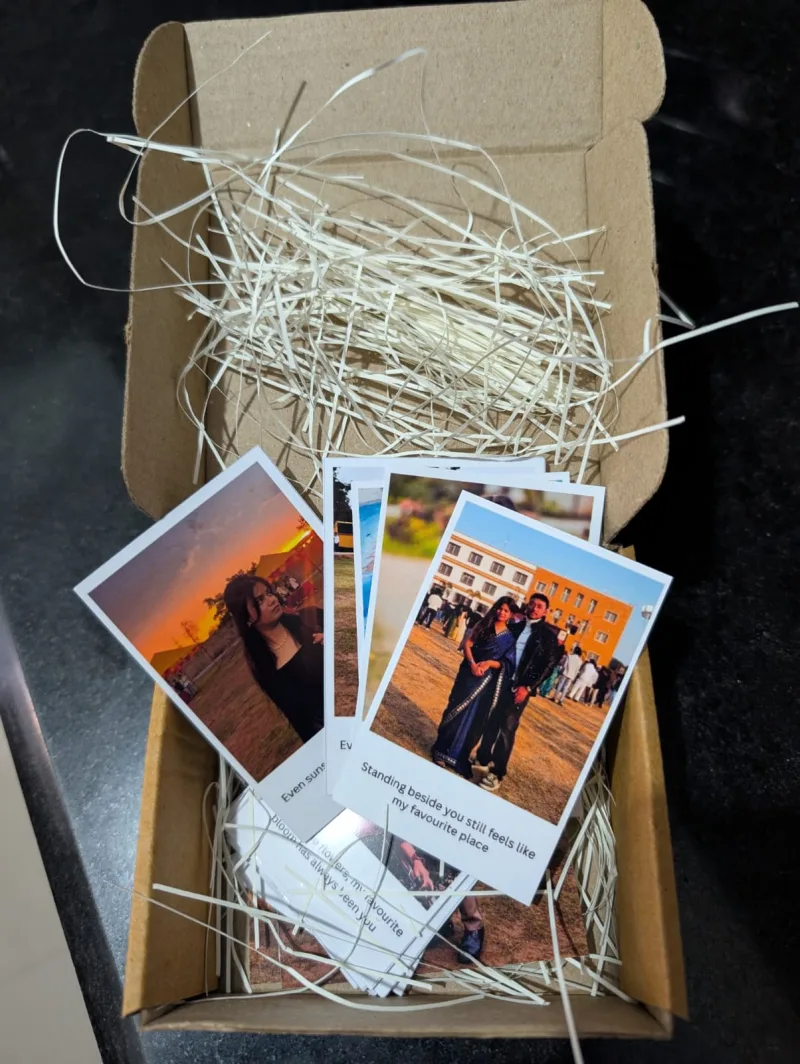
"Got these printed as a surprise anniversary gift with captions on each photo. The packaging is beautiful — kraft box with paper filling — and the captions printed perfectly. My boyfriend was completely floored. 10/10 for quality and presentation!"
Tanvi Bhat · Mangalore
What you can do
Two polaroid sizes
Mini (2×3 in) and Classic (3×4 in) — true polaroid proportions at print quality.
5 print-sheet layouts
Fill a 6×4 in sheet with 1 big, 2 medium, 3 in a row, 4-grid, or a mix of big and small polaroids.
Zoom, crop & reposition
Use the zoom slider or pinch on mobile. Drag the photo inside the frame to set the exact crop.
Handwritten caption
Type up to 40 characters in the classic polaroid bottom border, rendered in a handwriting font.
4 photo filters
None, Black & White, Vintage (warm sepia), and Warm — applied at print resolution so they look sharp.
300 DPI JPEG download
Downloads are sized at 300 dots per inch — sharp enough to print at home or send to a print shop.
How to make a polaroid photo online
- 1
Choose a size or layout
Pick Mini or Classic for a single polaroid, or tap "6×4 Sheet" to arrange multiple polaroids on one printable page.
- 2
Upload your photos
Tap the upload button or the + in the gallery, then pick one or more photos. Each photo becomes its own polaroid.
- 3
Add a caption and filter
Type a caption (e.g. "Summer 2026") below the canvas — it appears in the polaroid's white border. Choose None, B&W, Vintage or Warm.
- 4
Download
Hit "Download" to get your polaroid as a high-quality 300 DPI JPEG, or tap "Get them printed" to order real prints.
Who uses this polaroid maker?
This tool is built for Instagram and Pinterest creators who love the retro polaroid aesthetic, gift-givers who want to turn holiday or birthday photos into keepsakes, travelers who want a visual diary feel, and anyone curious about what their photo looks like inside a real polaroid frame before they order prints. It works on mobile and desktop — no app to install, no account to create, no watermark on your download.
Frequently asked questions
Is the polaroid maker really free?+
Yes — completely free, forever. No login, no subscription, no watermark on your downloaded image.
What image formats are supported?+
Any format your browser can display: JPG, PNG, WEBP, HEIC (on Safari/iOS). Just tap Upload and pick your photo.
Can I upload multiple photos at once?+
Yes. In single mode, each file becomes its own polaroid in the gallery — tap any thumbnail to edit it. In 6×4 sheet mode, files fill the layout slots in order (one photo per slot).
Can I use this on my phone?+
Yes — the editor works on Android and iPhone. Upload photos, then drag to reposition and pinch to zoom inside the frame.
Can I order printed polaroids instead of downloading?+
Absolutely. After designing your polaroid you can tap "Get them printed" to send the design to PrintPolaroid and get real 300 GSM polaroid prints delivered across India from ₹7/piece.
How to use the free polaroid photo maker
1. Choose your format
Pick Mini (2×3 in) or Classic (3×4 in) for a single polaroid, or tap "6×4 Sheet" to arrange 1–4 polaroids on a printable page. The sheet mode is perfect for printing multiple photos at once at home or at a photo lab.
2. Upload your photo
Tap "Upload photo" or the + button on the canvas. Any format works — JPG, PNG, WEBP, or HEIC on iOS. You can upload multiple photos at once; each becomes its own polaroid in the gallery.
3. Crop and zoom
Drag the photo inside the white frame to reposition it. Use the zoom slider (or pinch on mobile) to zoom in. A faint ghost image shows you the full photo so you can see what's being cropped.
4. Add a caption
Type up to 40 characters in the caption box below the canvas. The text appears in the white bottom border of the polaroid in a handwriting-style font — just like a real polaroid.
5. Pick a filter
Choose from four filters: None (original colours), B&W (black and white), Vintage (warm sepia tone), or Warm (golden hour glow). Filters are applied at 300 DPI so they look sharp in print.
6. Download or order prints
Tap "Download your images" to save a 300 DPI JPEG — sharp enough to print at home, at a Kinkos, or at any photo lab. Or tap "Get them printed" to order real 300 GSM polaroid prints delivered across India from ₹7/piece with flat ₹100 shipping.
Ready to print? Browse all sizes from ₹7.
Browse print sizes →